AI Generated Food Images
Turn AI-made food images into practical web assets for menus, recipe cards, food blogs, social posts, and app previews.
Best For
Publishing Workflow
Start with generated food art
Use AI-made dishes, drinks, or plated meals as source material for visual content.
Choose the right frame
Keep landscape images for editorial layouts or use square framing for cards and thumbnails.
Clean when needed
Remove plain backgrounds for icons, or keep full scenes when they work better as food photography.
Export compact WebP
Save a lighter asset that is easier to publish across web pages and app previews.
AI Food Image Samples
These AI food samples show how generated food art can become a consistent publishing set instead of staying as raw output.
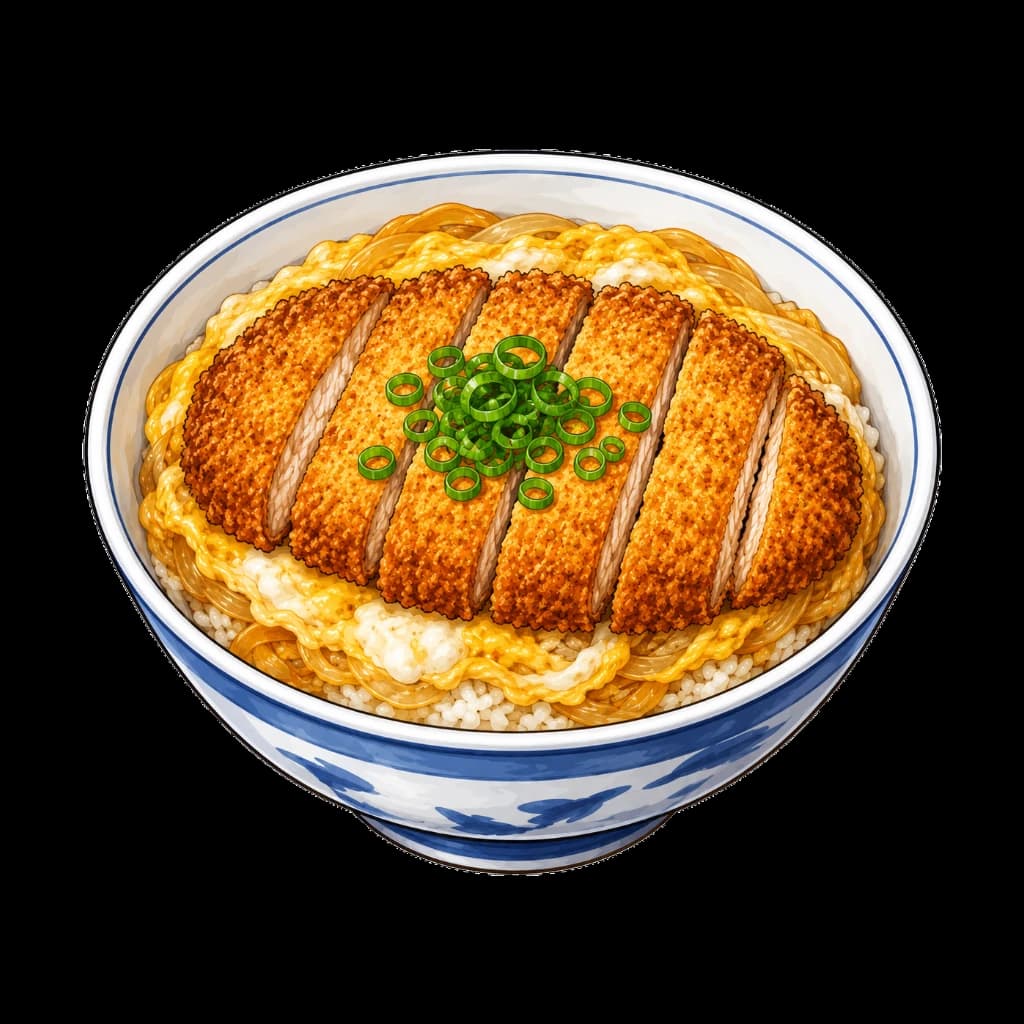
Katsudon
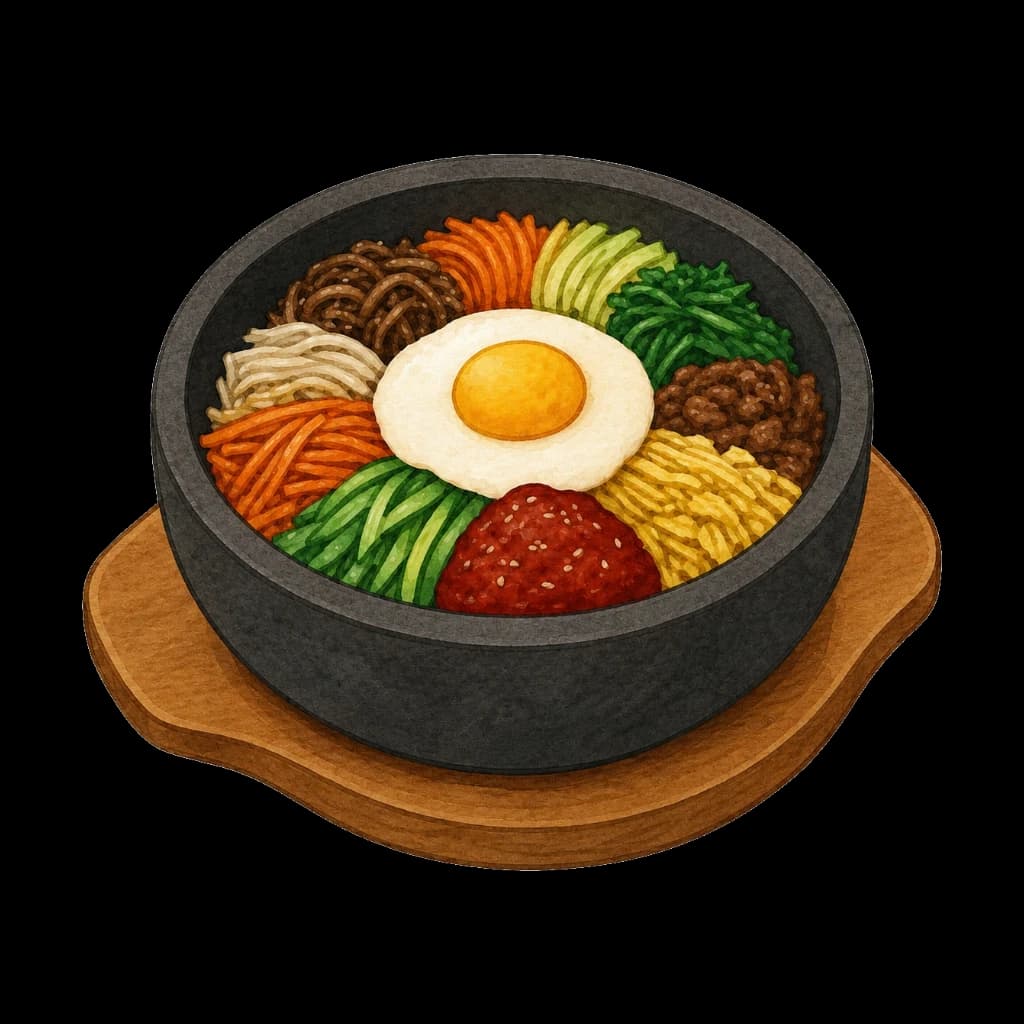
Bibimbap
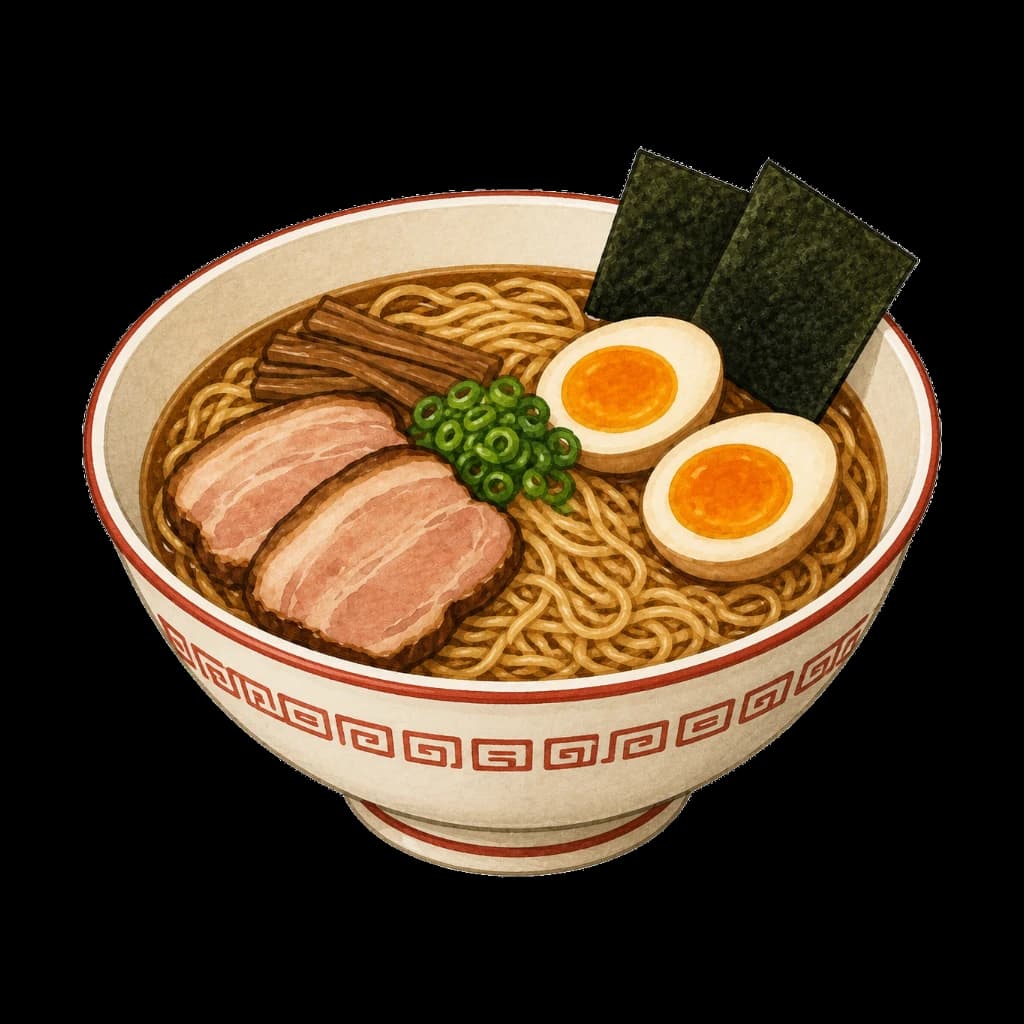
Ramen
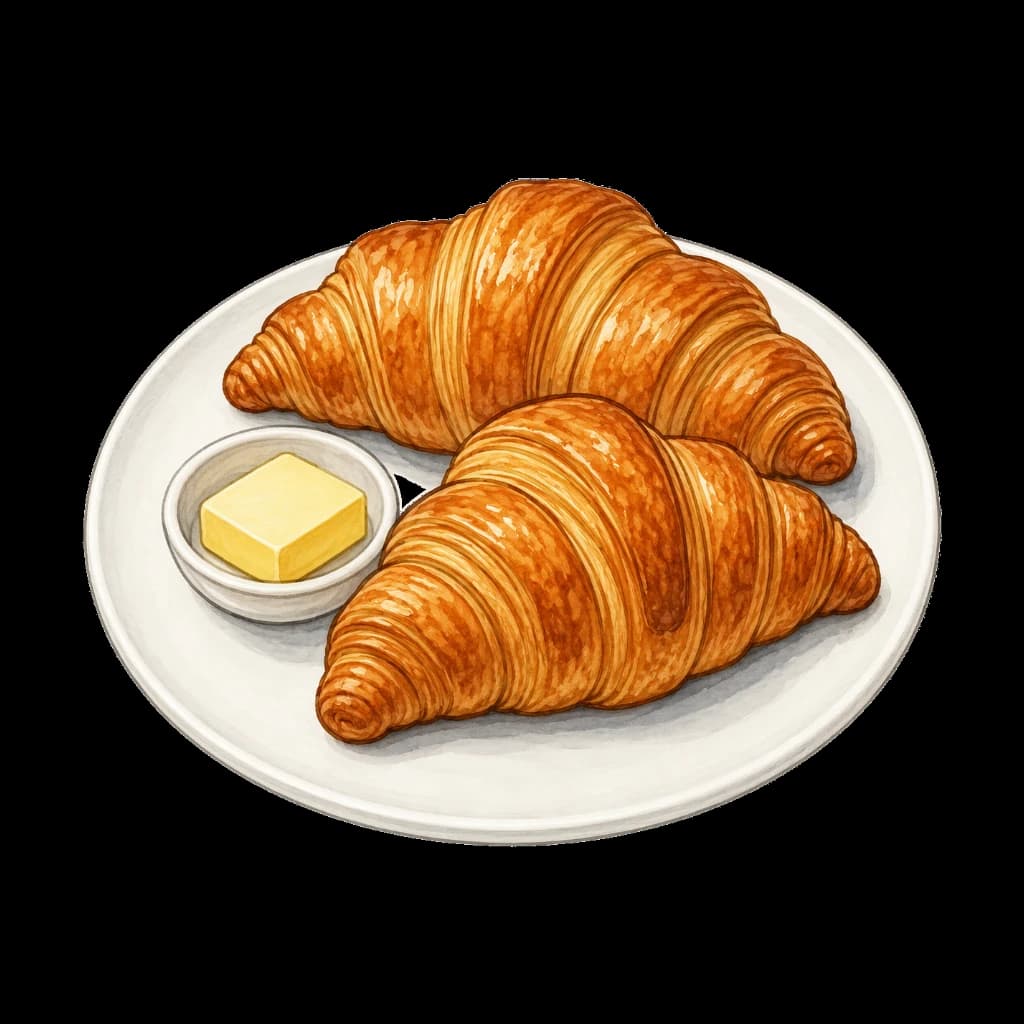
Croissant
Use generated images responsibly: review visual artifacts, recipe accuracy, and brand fit before publishing.
Output Checks
Useful crop
The dish should stay clear at card, thumbnail, and detail-page sizes.
Clean artifacts
Check strange text, utensils, hands, shadows, and repeated food textures before publishing.
Fast delivery
Export WebP to keep food-heavy pages lighter on mobile connections.
For making AI food images usable in real pages
AI-generated food images are useful starting points, but they usually need practical cleanup before publishing. ByteCut helps resize them, remove unwanted backgrounds, and export lighter WebP files for menus, recipe cards, blog posts, landing pages, and app previews.
Why this workflow helps
- Food samples show how AI-made dishes can be prepared for real web layouts instead of staying as raw generation output.
- Square and landscape framing helps the same dish work in cards, thumbnails, and detail pages.
- WebP export reduces delivery weight while keeping the image useful for visual food content.
- Browser-side processing keeps test images and drafts on your device.
AI food image FAQ
Does ByteCut generate food images?
No. ByteCut focuses on preparing images you already have: cleanup, resizing, transparency review, and WebP export.
What can I use AI-generated food images for?
They can be prepared for restaurant menu previews, recipe cards, food blogs, landing pages, social posts, and app mockups.
Should every AI food image have its background removed?
Not always. Some images work better as full rectangular photos, while menu icons and stickers often benefit from transparent cutouts.
What should I check before publishing?
Review plate edges, hands, utensils, text artifacts, shadows, and unrealistic details before using generated food images publicly.
All processing runs locally in your browser. No files are uploaded.
Prepare a Food ImageRelated Use Cases
Image Asset Cleanup
Turn source images into production-ready assets with cleanup, size normalization, and WebP export.
Remove Background
Create transparent cutouts that are ready for menus, app assets, listings, and UI libraries.
Convert to WebP
Reduce file size while maintaining visual quality. Ideal for faster websites and better SEO.
Resize Icons
Normalize image dimensions for app icons, menu thumbnails, and reusable design assets.
Food Menu Icons
Uniform food icons for restaurant menus and delivery apps.
Sticker Assets
Transparent sticker images for messaging apps.
Character Assets
Transparent character art for stickers, avatars, game prototypes, and app UI.