Character Assets
Prepare transparent character art for stickers, avatars, game prototypes, chat graphics, and reusable UI libraries.
Best For
Character Asset Workflow
Start with a clear character
Use a single character, avatar, mascot, or generated illustration with a readable outline.
Review the cutout
Check hair, hands, props, and shadows against a transparent preview before publishing.
Normalize the frame
Fit the character into a square canvas so it works in avatars, grids, and sticker trays.
Export WebP
Download a lightweight transparent asset for websites, apps, and prototypes.
Character Sample
This sample shows how a single-subject character can be prepared as a reusable transparent WebP asset.
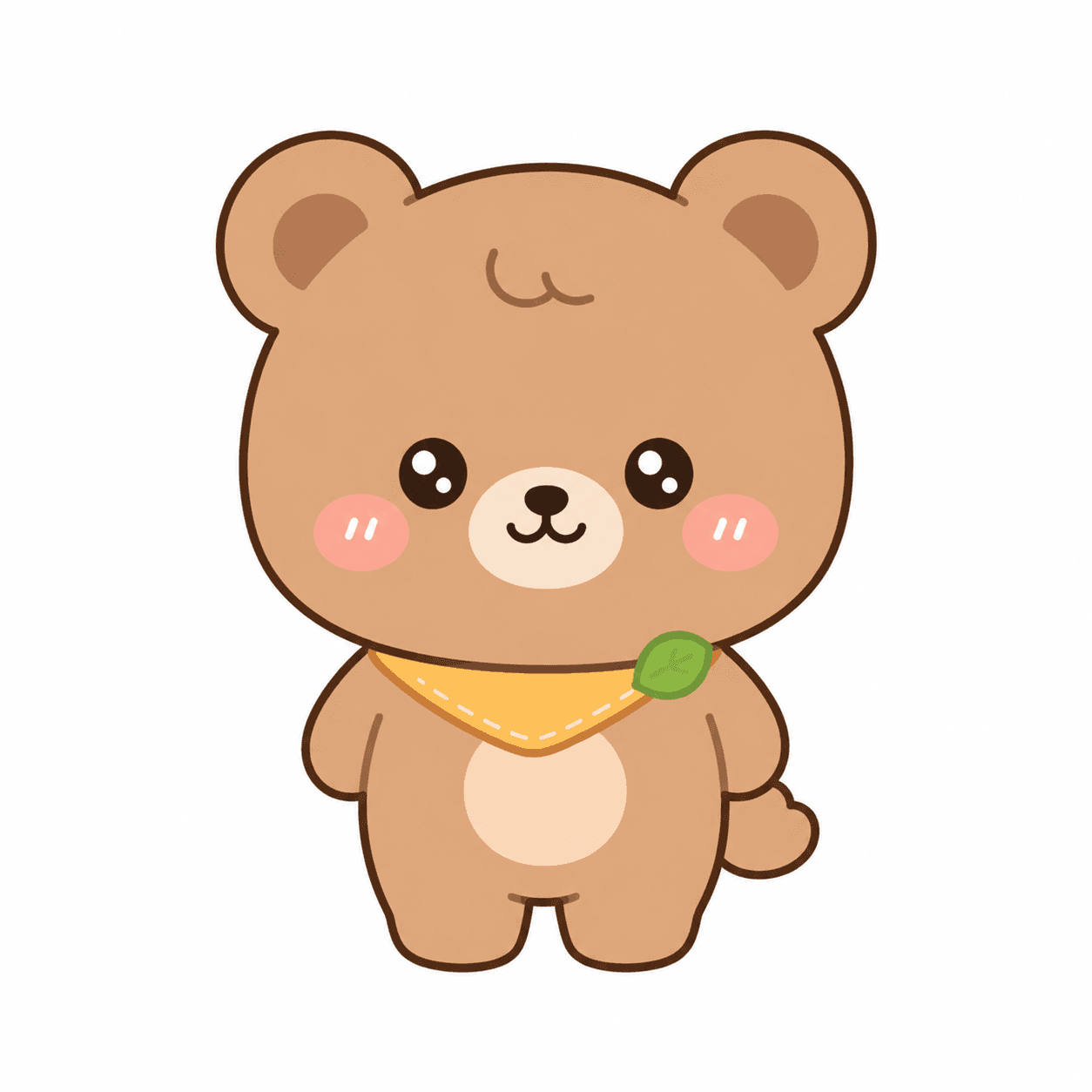
Original frame
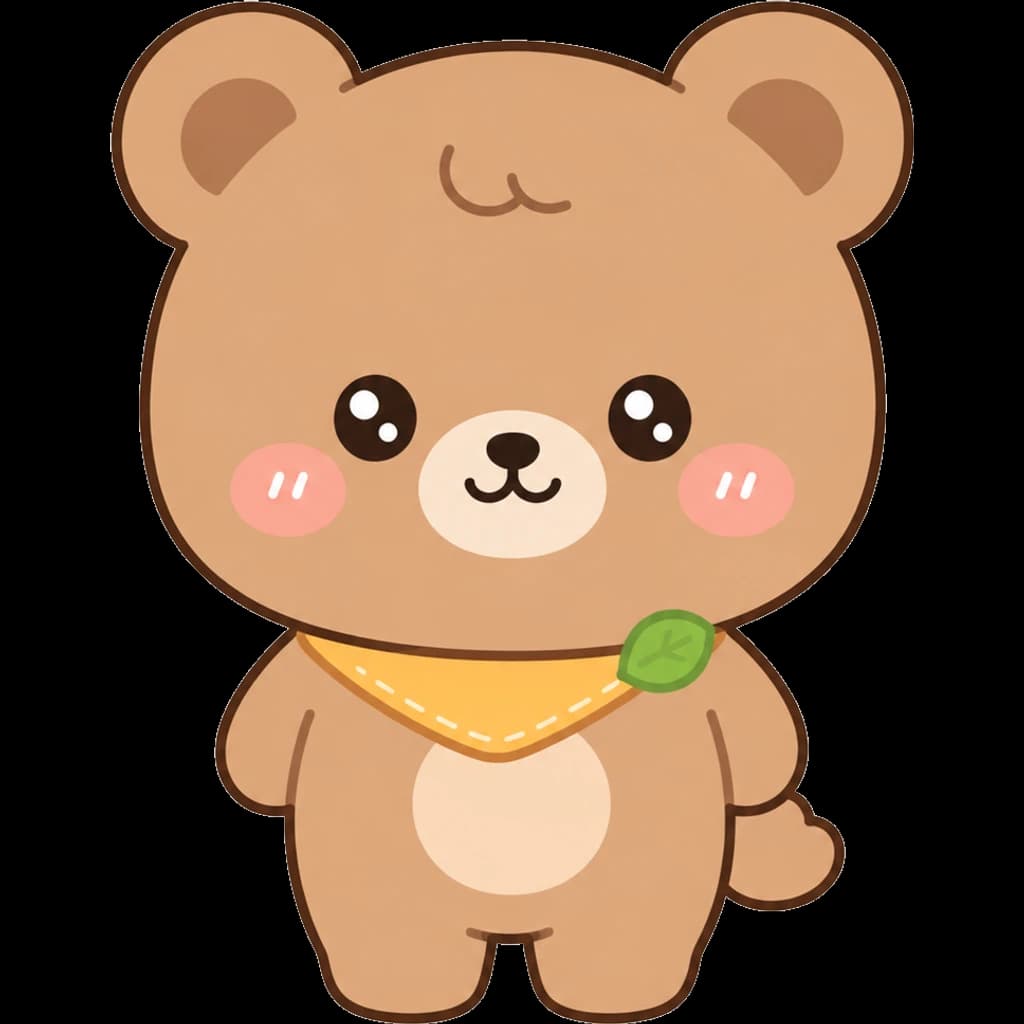
Transparent asset
Review fine details such as hair, hands, props, and pale outlines before adding character art to a production library.
Output Checks
Readable silhouette
The character should remain clear at avatar, sticker, and small-card sizes.
Clean edges
Check for halos, rough outlines, clipped hands, and missing props.
Reusable size
Use square presets when the same character appears across multiple UI surfaces.
For character art that needs to become a reusable asset
Character images often start as illustrations, avatars, or generated art. ByteCut helps turn them into transparent WebP assets that are easier to reuse in sticker packs, profile images, game prototypes, and UI libraries.
What to check before using character assets
- Clean outlines help character art stay readable on light and dark UI backgrounds.
- Square framing keeps avatars, stickers, and game placeholders aligned in grids.
- Transparent WebP output keeps files smaller than typical PNG exports while preserving cutouts.
- Browser-side processing lets drafts and character concepts stay on your device.
Character asset FAQ
Can I make transparent character assets?
Yes. Character art with a clear subject and simple background is a good fit for transparent WebP export.
What can I use character assets for?
They work well for profile images, stickers, game prototypes, chat graphics, onboarding screens, and UI placeholders.
Should I use a square preset?
Square presets are useful when the same character needs to appear in lists, grids, avatars, and sticker trays.
What should I review before publishing?
Check hair, hands, small props, shadows, and pale outlines before adding the exported character to a production asset library.
All processing runs locally in your browser. No files are uploaded.
Prepare Character ArtRelated Use Cases
Image Asset Cleanup
Turn source images into production-ready assets with cleanup, size normalization, and WebP export.
Remove Background
Create transparent cutouts that are ready for menus, app assets, listings, and UI libraries.
Convert to WebP
Reduce file size while maintaining visual quality. Ideal for faster websites and better SEO.
Resize Icons
Normalize image dimensions for app icons, menu thumbnails, and reusable design assets.
Food Menu Icons
Uniform food icons for restaurant menus and delivery apps.
AI Generated Food Images
Prepare AI-made food images for menus, blogs, recipe cards, and lightweight WebP publishing.
Sticker Assets
Transparent sticker images for messaging apps.